Work From Home Policy for Small Teams: What to Include (With Template)
By Gaurav Sharma · 15 October 2026 · 6 min read
In short
- A work from home policy for a small team should say who can work remotely, how often, how requests are approved, when people must be reachable, how attendance is recorded and what equipment and security rules apply. Keep it to one or two pages, apply it equally, and review it after three months.
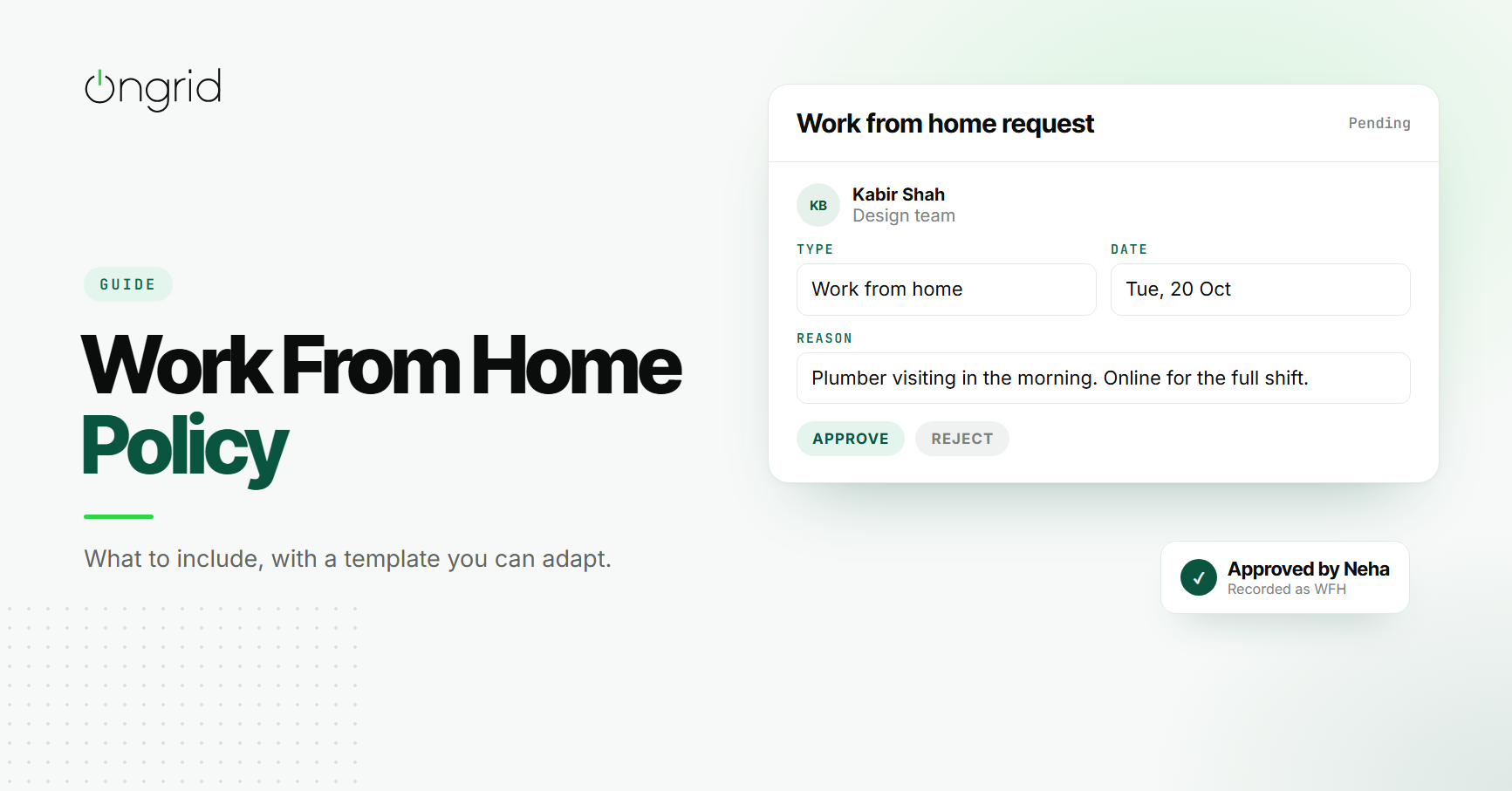
Kabir messages his lead at 11 pm: "Can I WFH tomorrow? Plumber coming." His lead, half asleep, replies "ok".
The next morning the client calls asking for an urgent change. The designer who usually sits next to Kabir does not know he is at home. HR marks him absent because nobody told them. And Sana, who asked for a remote day last week and was refused, is now quietly annoyed.
None of this is anyone's fault. The team simply allows working from home without ever agreeing on how it works.
A short work from home policy fixes that. It does not need legal language or ten pages. It needs to answer a handful of practical questions clearly enough that everyone, including the lead replying at 11 pm, applies the same rules.
What Is a Work From Home Policy?
A work from home policy is a written agreement about when and how employees can work away from the office. It covers who is eligible, how often, how requests are approved, what is expected during a remote day and how it is recorded.
It is different from a fully remote work setup, where the whole team works away from an office by default. Most small Indian businesses sit somewhere in between: an office most days, with remote days for specific reasons or on a regular schedule.
Why Small Teams Struggle Without One
Decisions Feel Personal
When every request is judged on its own, a "no" feels like a judgement about the person rather than the rule. Two people with similar reasons can get different answers depending on who they asked and when.
Nobody Knows Who Is Where
Remote days agreed in private chats are invisible to everyone else. Teammates waste time looking for someone who is not in, and clients get slower replies than they should.
Attendance Gets Messy
If a remote day is not recorded properly, the person looks absent. At month end, someone has to dig through old chats to prove they were working.
Expectations Are Unclear
Does a remote day mean available from 10 to 7, or flexible hours as long as the work gets done? Without an answer, both sides assume something different.
The Work From Home Policy Template
Use these sections as a starting point. Keep each one short. Where you see an example, change it to fit your team.
1. Purpose
One or two sentences on why the policy exists.
Example: This policy explains when team members can work from home, how to request it and what we expect on remote days, so decisions are fair and everyone knows who is available.
2. Eligibility
Say who can work from home. Some roles, like front desk or on-site production, may not be able to. New joiners are sometimes asked to work from the office for their first month.
Example: All full-time team members are eligible after completing their first 30 days, except roles that need to be on site.
3. How Often
Set a clear allowance, such as a number of days per week or per month, and whether unused days carry over.
Example: Up to 4 remote days per month. Unused days do not carry over.
4. How to Request a Remote Day
Explain where requests go, how much notice is needed and who approves them. Emergencies, like a sick child or a plumber who only comes in the morning, can have a shorter notice period.
Example: Request at least one working day in advance through the team's attendance tool. Your lead approves or declines. In an emergency, request on the day and inform your lead directly.
5. Availability
Define the hours when people must be reachable, how quickly they should respond, and how they show they are online.
Example: Be available during your normal shift, respond to messages within 30 minutes during core hours (11 am to 5 pm), and join scheduled calls with video when asked.
6. Attendance
Say how a remote day is recorded so it does not show up as an absence. Our guide to choosing an attendance management system explains how to set this up alongside shifts and corrections.
Example: Check in at the start of your shift as usual. An approved remote day is recorded as work from home, not leave.
7. Half Days
If you allow half days, say how they work and which half is off, since it changes when someone counts as late.
Example: Half days must be requested in advance, stating whether the morning or afternoon is off.
8. Equipment and Internet
Clarify what the company provides and what employees are expected to arrange themselves, such as a stable internet connection or power backup.
Example: The company provides a laptop. Team members are responsible for a reliable internet connection and a quiet place to take calls.
9. Data and Security
Set simple rules for handling client files and devices outside the office.
Example: Use only company devices for client work, do not save client files to personal drives, and lock your screen when you step away.
10. Review
Commit to looking at the policy again after a fixed period.
Example: This policy will be reviewed every six months, or sooner if it is not working.
What to Do When Remote Days Are Misused
Sooner or later, someone will stretch the policy. They are hard to reach on remote days, deadlines slip, or "working from home" starts to look a lot like a day off.
Handle it the same way you would handle any performance issue in the office. Start with a private conversation about what you have noticed, using specific examples: the client call they missed, the messages that went unanswered for three hours. Ask what is getting in the way. Sometimes the answer is a poor internet connection or a noisy home, which you can help with.
If the problem continues, it is reasonable to pause that person's remote days for a period and review again. What you should avoid is tightening the policy for the whole team because of one person. That punishes everyone who uses it well and tells them you do not trust them.
The policy itself can help here. If it already says what availability means and how quickly people should respond, the conversation is about whether the agreement was met, not about anyone's personal opinion.
Tips for Making the Policy Work
Apply it to everyone, including senior people. A policy only managers can ignore will not last long.
Make remote days visible. The whole team should be able to see who is working from home today without asking.
Judge output, not presence. If work is getting done and people are reachable, the policy is working. Clear task ownership helps here, which is why we recommend teams stop chasing each other for task updates and track progress in one place.
Respond to requests quickly. An answer the same day is fair. An answer after the day has passed is not.
Revisit the allowance. If most people use all their days and work is fine, consider giving more.
How OnGrid Helps Manage Work From Home Days
OnGrid treats work from home and half days as requests, separate from leave, because the person is still working.
Team members raise a request with the date and reason, and it goes to their department lead or a director for approval. Nobody can approve their own request, and requesters can cancel one that is still pending. Half-day requests also note which half of the day is off.
On the day, the person checks in as usual and the approved request is recorded as work from home. Leads can see who is in, remote or on leave in the Team Today view, and the pending requests sit in the Approvals page alongside leave and attendance corrections.
Final Thoughts
Working from home is not the problem in most small teams. Vague, unwritten rules are.
Write a short work from home policy that covers eligibility, allowance, requests, availability, attendance, equipment and security. Apply it to everyone and make remote days visible.
Then the 11 pm "can I WFH tomorrow?" message gets a quick, fair answer, and the rest of the team knows where everyone is in the morning.
Frequently asked questions
1. What should a work from home policy include?
Eligibility, how many remote days are allowed, how to request them, core availability hours, how attendance is recorded, equipment and internet expectations, data security rules and how the policy will be reviewed.
2. Do small businesses need a formal work from home policy?
Yes, even a short one. Without it, remote days get decided case by case, which feels unfair to the people who are refused and confusing for the people approving them.
3. How many work from home days should a small team allow?
There is no single right number. Many small teams start with one or two days a week or a monthly allowance, then adjust based on how well work and communication hold up.
4. Should employees check in when working from home?
Checking in keeps attendance accurate and tells the team the person is available. It does not need to involve location tracking. The approved remote-day request is enough context.
5. Who should approve work from home requests?
The person's direct lead, because they know what the team needs that day. Nobody should approve their own request.