How to Prioritize Tasks in an Agency When Everything Feels Urgent
By Gaurav Sharma · 14 October 2026 · 7 min read
In short
- Learning how to prioritize tasks in an agency helps teams focus on the work that matters most instead of reacting to every new request. By considering deadlines, client impact, dependencies, and team capacity, agencies can make better decisions, reduce last-minute pressure, and deliver work more consistently.
Learning how to prioritize tasks in an agency helps teams focus on the work that matters most instead of reacting to every new request. By considering deadlines, client impact, dependencies, and team capacity, agencies can make better decisions, reduce last-minute pressure, and deliver work more consistently.
Agency work rarely follows a perfectly planned schedule. A client needs an urgent design change, another project is approaching its deadline, a campaign needs approval, and someone from the team is waiting for feedback before moving forward.
Suddenly, every task feels important.
The problem is not always that an agency has too much work. Often, the real problem is that nobody has a clear way to decide what should happen first.
When priorities change throughout the day without a proper system, teams spend more time switching between tasks than completing them. Deadlines become harder to manage, important work gets delayed, and employees feel pressure to handle everything at once.
A better approach starts with a simple question: Which task deserves attention first, and why?
Why Is Task Prioritization Difficult in Agencies?
Agencies manage multiple clients, deliverables, deadlines, and approval cycles at the same time. Each client naturally considers their own work important, but the team has limited hours and resources.
Several common problems make prioritization difficult:
Every request is marked urgent. Without shared criteria, the loudest or latest request often gets attention first.
Deadlines compete with each other. Two clients may need deliverables on the same day, even when the same designer or writer is responsible for both.
Dependencies are overlooked. A task might appear straightforward, but it cannot begin until another person completes their work.
New work keeps arriving. Teams accept additional requests without reviewing existing commitments.
Managers cannot see the full workload. Decisions are made without knowing who is already occupied or which projects are falling behind.
The solution is not to work faster on everything. It is to create a consistent process for deciding what comes first.
1. Start With One Complete List of Tasks
Before deciding which task is most important, collect the work that needs to be done.
When tasks are scattered across emails, chat messages, spreadsheets, and personal notes, it becomes difficult to compare priorities accurately.
Create a shared view of work across active client projects. Each task should include:
A clear task name and expected outcome
The client or project it belongs to
One accountable owner
A realistic due date
Its current status
Any dependencies or approval requirements
For example, instead of keeping a vague reminder such as "finish campaign," create separate tasks for writing the copy, designing the creatives, reviewing the content, and scheduling publication.
Breaking larger deliverables into smaller tasks makes their deadlines, ownership, and dependencies easier to understand.
2. Rank Tasks by Impact, Urgency, and Dependencies
A task's priority should not depend only on how quickly someone asks for it.
Evaluate work using three questions:
Impact: What happens if this task is completed successfully? Does it affect a client launch, an important business outcome, or a committed deliverable?
Urgency: How soon must it be completed? Is there a fixed deadline, or can the work wait?
Dependencies: Is another person or task waiting for this work to be finished?
Consider this example. An agency has three tasks due soon:
TaskSituationPriorityFix a broken landing page before a paid campaign launchesDirect business impact and a fixed deadlineHighComplete a social media graphic for next week's calendarImportant but not immediately time-sensitiveMediumMake a minor formatting change to an internal documentLow impact and flexible timingLow
This approach helps teams distinguish between work that is genuinely urgent and work that simply feels urgent.
A task that blocks three other deliverables may deserve attention before an individual task with a similar deadline.
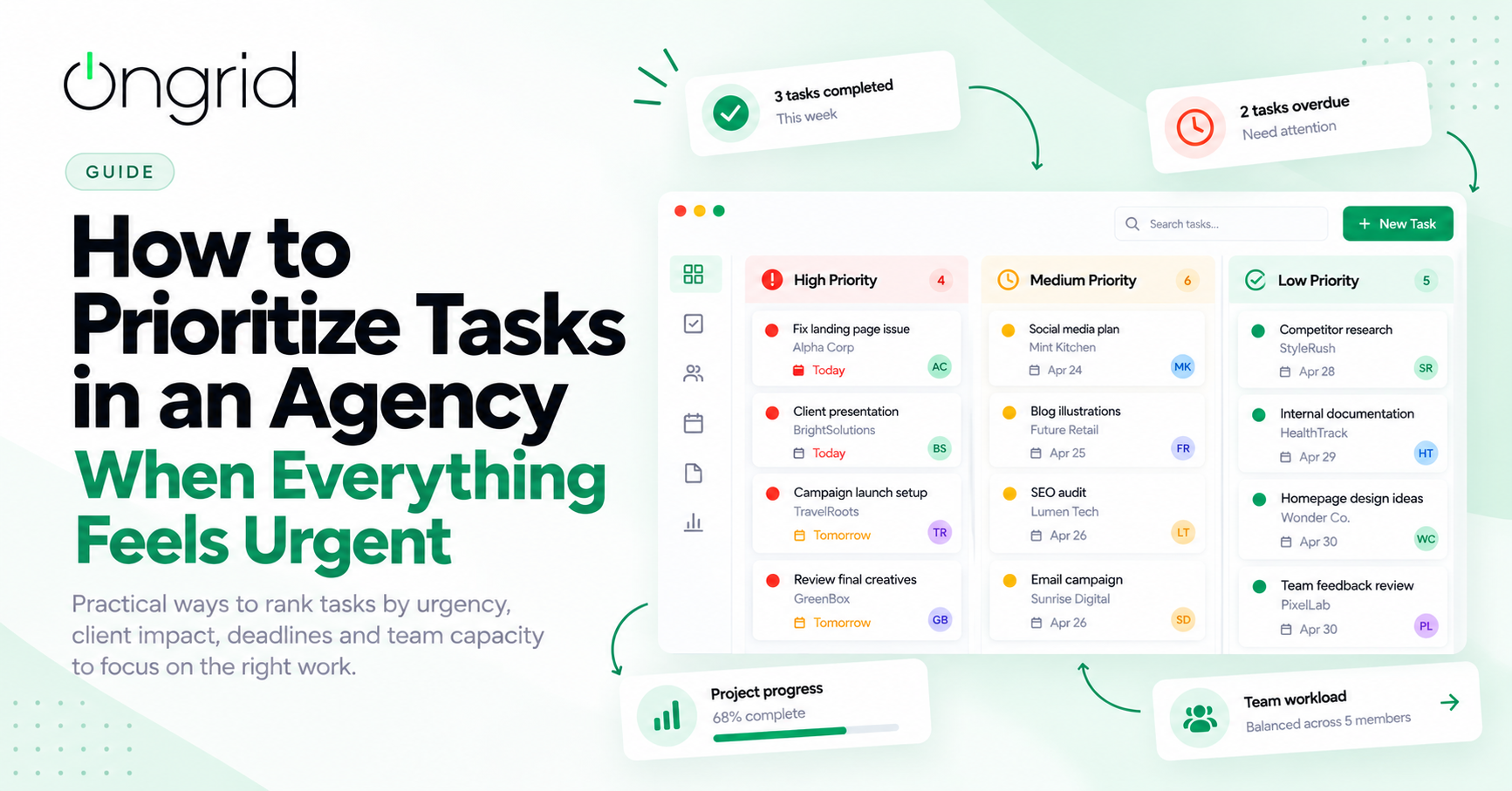
3. Use a Simple Priority System
You do not need a complicated scoring model to get started. Three priority levels are often enough for an agency team.
High priority: Work with an immediate deadline, significant client impact, or important dependencies. Examples include a launch-blocking issue or a deliverable due today.
Medium priority: Important work that should be completed soon but does not currently block a critical commitment. Examples include this week's planned campaign assets.
Low priority: Work that can safely wait without creating a meaningful risk. Examples include minor improvements or internal tasks with flexible deadlines.
Define what each level means for your agency. Otherwise, every team member may interpret "high priority" differently.
Review priorities when circumstances change, but avoid constantly reshuffling work for minor requests. Every change has a cost because someone may need to stop one task, switch context, and return to it later.
4. Consider Team Capacity Before Assigning More Work
A task can be urgent without being realistic to complete immediately.
Suppose a designer already has three deliverables due tomorrow. A new client request arrives with the same deadline. Marking the new request as high priority does not create additional working hours.
Before accepting or reassigning work, review the team's existing commitments.
Ask:
Who has the capacity to take this task?
Which current task would need to move if this becomes the top priority?
Does the task require a specific person's expertise?
Is the deadline realistic given the work involved?
When everything cannot be completed at once, managers need to make an explicit trade-off. That might mean moving a lower-impact deadline, reallocating work, or agreeing on a revised delivery date with the client.
Visible workload information helps teams make these decisions before delays become unavoidable.
5. Identify Tasks That Are Blocking Other Work
Some tasks are more important because other deliverables depend on them.
For example, a campaign may require copywriting before design can begin, design approval before development can start, and final testing before launch.
If the copy remains unfinished, assigning more designers to the project will not necessarily make it move faster.
Identify these dependencies when planning work. Give each critical handoff a clear owner and deadline, and make delays visible as soon as they occur.
This helps managers focus on the task that will unblock the most work rather than simply choosing the task with the nearest due date.
6. Create a Daily Priority Review
Priorities should be reviewed regularly, but that does not mean managers need another long meeting.
A short daily review can be enough.
At the start of the workday, check:
Which deliverables are due today or tomorrow?
Which high-priority tasks are incomplete?
Which tasks are blocked by approvals or dependencies?
Does anyone have more work than they can reasonably complete?
Have new client requests changed the plan?
Agree on the most important work for the day. If something new becomes urgent, review the existing priorities before adding it to the list.
This prevents the team from treating every new message as a reason to abandon its current work.
7. Make Priority Changes Visible to Everyone
A priority decision is only useful if the people doing the work understand it.
When a manager changes a deadline or moves a task to the top of the list, the affected team members should be able to see the change and understand what it means for their other commitments.
Keep priority, owner, deadline, status, and relevant context in the task itself. This reduces confusion caused by instructions buried in chat messages or emails.
For example, if a client requests a landing page revision ahead of a scheduled campaign, update the task priority, assign responsibility, and communicate whether another deliverable will move.
The goal is to make trade-offs clear rather than expecting the team to somehow complete everything on the original schedule.
8. Review Your Prioritization Process Every Week
Daily decisions help work move forward. Weekly reviews help agencies improve the system behind those decisions.
Look for patterns such as:
High-priority tasks that repeatedly miss deadlines
Clients who frequently submit last-minute requests
Projects delayed by slow approvals
Team members who consistently receive too much work
Low-impact tasks that consume more time than expected
These patterns can reveal problems that cannot be solved by rearranging a task list.
For example, recurring approval delays may require clearer client review deadlines. Frequent last-minute requests may require a formal change-request process. Repeated workload imbalances may indicate that project estimates or resource planning need improvement.
Use these findings to improve how work is accepted, planned, and assigned.
How OnGrid Can Help Agencies Prioritize Work
A shared work management system makes it easier to connect task priorities with project deadlines, ownership, and team capacity.
With OnGrid, agencies can organize work by project, assign tasks, track progress through defined statuses, and keep important updates connected to the work itself. This gives managers a clearer view of what is moving forward, what needs attention, and where a decision may be required.
Instead of relying on scattered messages or memory, teams can use a shared view of their commitments to make more informed decisions.
The objective is not to label every task as urgent. It is to help the team understand what matters most, what can wait, and what needs to change when new work arrives.
Explore OnGrid's agency work management tools to see how a more organized workflow can support your team's day-to-day operations.
Final Thoughts
Knowing how to prioritize tasks in an agency is less about doing more work and more about making better decisions.
Start with a complete task list, evaluate work by impact and urgency, account for dependencies, and check team capacity before accepting additional commitments. Review priorities regularly and make changes visible to everyone involved.
When priorities are clear, teams can spend less time deciding what to do next and more time delivering meaningful work for their clients.
Frequently asked questions
1. How do you prioritize tasks in an agency?
Start by collecting all active tasks in one place. Rank them using client impact, deadlines, dependencies, and available team capacity. Assign a clear owner and review priorities regularly.
2. How do agencies decide which client request is most urgent?
Agencies should evaluate the request's actual deadline, business impact, contractual commitments, and effect on other deliverables. A request should not automatically become the top priority simply because a client labels it urgent.
3. What is the best task prioritization method for an agency?
A simple high-, medium-, and low-priority system works well for many agencies. Combine it with deadline tracking, dependency checks, and workload visibility to make practical decisions.
4. How can agencies manage competing deadlines?
Review all upcoming deadlines together, identify critical dependencies, and check team capacity. When two commitments conflict, decide which work takes priority and communicate any necessary deadline changes early.
5. How can project management software help with task prioritization?
Project management software can centralize tasks, display deadlines and statuses, identify ownership, and make workloads easier to review. This helps teams make decisions using shared information rather than scattered updates.